

Access your Apt Client Portal in one of two ways:
Option 1 – Use the Portal in your web browser (on this computer, tablet or phone)
Click the below button to sign in now.
Option 1 – Use the Portal in your web browser (on this computer, tablet or phone)
Click the below button to sign in now.
Option 2 – Download the Apt Client Portal App to your mobile phone or tablet
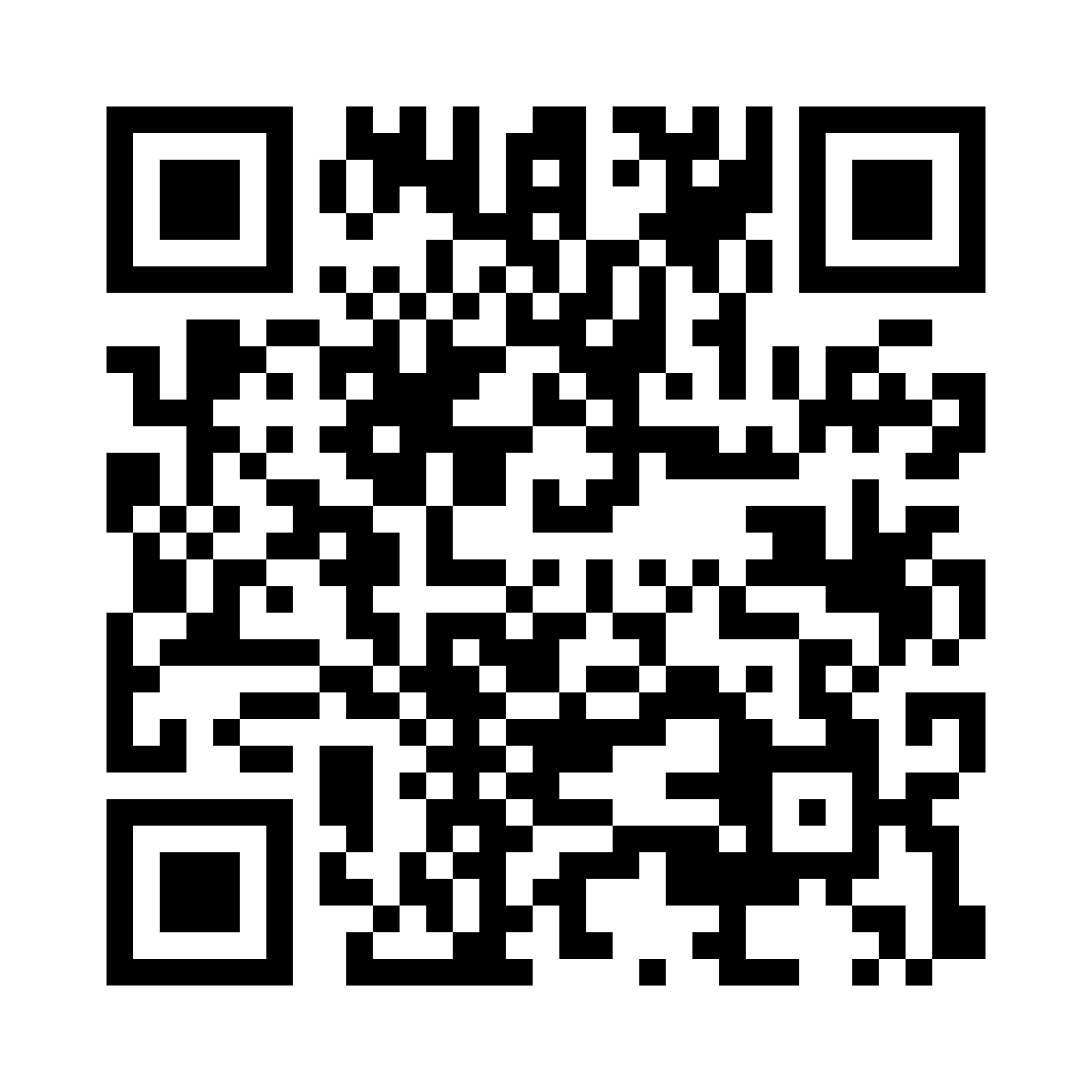
Follow the instructions below to download the app from the App Store (iPhone/iPad) or Google Play Store (Android), then sign in using your existing Apt Client Portal login credentials.
or you can scan or hold your finger over this QR code and select ‘open link’.
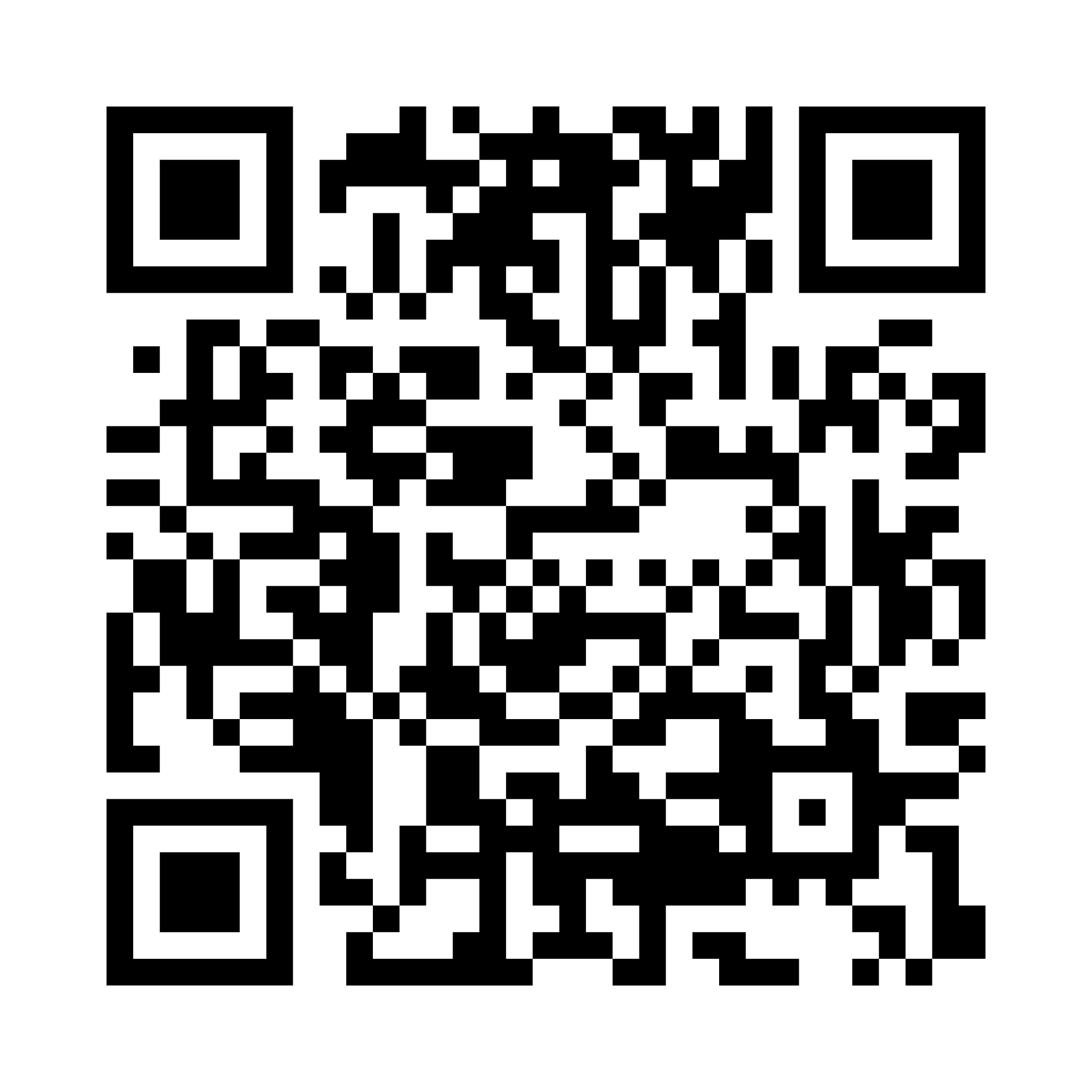
or you can scan or hold your finger over this QR code and select ‘open link’.


General Advice Warning
© APT WEALTH – ALL RIGHTS RESERVED